

Case Study
Jutsu Vault
A self-hosted, end-to-end encrypted vault for passwords and application secrets, with a command line that hands secrets to apps and AI agents.
- Period
- – present
- Role
- Founder & sole engineer
276
Commits
21 unit, 14 end-to-end
Automated tests
7 (Linux, macOS, Windows)
jv build targets
8 days
First commit to first release
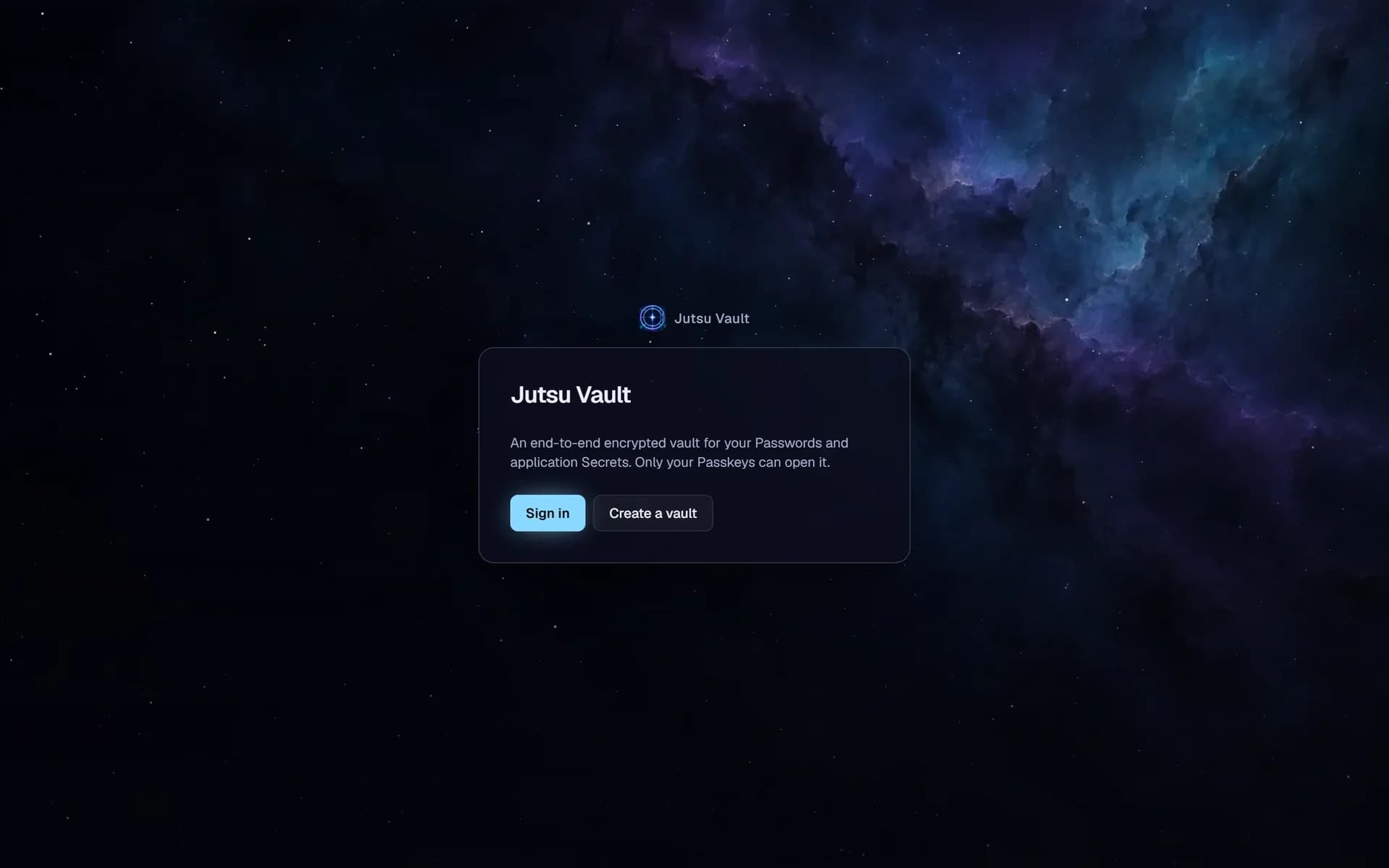
A password and secrets vault whose own server cannot read what it stores, live at vault.davblu.dev
Problem
I needed one place for my passwords and for the secrets my applications and AI agents use, on a server I run myself. That only makes sense if a compromised server exposes nothing: it must store ciphertext only, and it must not be able to slip a reader of its own into a share or swap a key without a client noticing.
What was built
The first version (September to October 2025, releases 0.3.0 to 0.4.0) worked, but kept the device key in the browser's IndexedDB, so anyone with the browser profile had the vault. In September 2026 I rebuilt it around a written glossary and four ADRs. Sign-in is Passkey-only, and the Passkey's PRF output unwraps the User's keys, so no usable key rests in the browser. A new Device is approved from one already signed in, with a short code shown on both screens that covers the new Device's key and the User's public keys. A Recovery Kit phrase is the only way back if every Device is lost.
Every Item has its own key, wrapped separately to each party allowed to read it: the Owner, Share recipients and Access Keys. Owners sign every Share and Access Key, clients verify the signature every time they open an Item key, and Users pin each other's public keys on first use, so a malicious server cannot add a reader or substitute a key unnoticed. The same crypto library runs in the browser and in jv, a command-line client compiled with Bun, which applications and AI agents use to read Secrets or inject them into a process's environment. An agent skill teaches coding agents to use it.
Outcome
Jutsu Vault runs at vault.davblu.dev on my own VPS. Every push to main runs lint, typecheck and unit tests in GitLab CI, then deploys with Docker Compose behind a shared Traefik, applying Prisma migrations first and passing only when the health check answers from outside. Production secrets stay encrypted in the repository with dotenvx, and the deploy job verifies the dotenvx binary's checksum before handing it the key. jv installs with one command from the vault itself, for Linux, macOS and Windows. The source is private; the product is live.
Shipping Timeline
From zero to production.
01 · Build
First commit: Next.js, PostgreSQL and Docker
The first version, with device keys kept in the browser.
02 · Deploy
Release 0.3.0, deployed with Docker and GitLab CI
Five tagged releases up to 0.4.0 on 8 October 2025.
03 · Architecture
Rebuild: glossary, four ADRs and a shared crypto library
Passkey PRF keys, per-Item keys, plaintext metadata, signed grants.
04 · Build
jv command line and agent skill
Bun binaries for seven targets, installed with one command from the vault.
05 · Build
Signed Shares and pinned keys
Owners sign every grant; clients verify every Item key they open.
06 · Deploy
Live at vault.davblu.dev
GitLab CI deploys main behind the shared Traefik, gated by a health check.
Engineering
How it is built.
Stack
- TypeScript
- React
- Next.js
- Tailwind CSS
- Node.js
- PostgreSQL
- Prisma
- Docker
- GitLab CI/CD
- Traefik
- Passkeys (WebAuthn)
- End-to-end encryption
- Encrypted secrets (SOPS, dotenvx)
- Vitest
- Playwright
Decisions
- Passkey PRF unlocks the keys; new Devices confirm a matching code
- Each browser Device derives a wrapping key from its Passkey's PRF output, and the server keeps only the wrapped blob, so neither the server nor a copied browser profile can open the vault. A new Device is approved from an existing one with a short code that covers both the new Device's key and the User's public keys, which stops a server from substituting either.
- One key per Item, wrapped per reader and signed by its author
- Sharing a single Item, sharing a whole Category and Access Keys for applications all use the same mechanism: the Item key is wrapped once for each reader, and granting or revoking adds or deletes a wrapped key. Because a wrapped key says nothing about who made it, the author signs it, and every client refuses an Item whose signature does not verify.
- Metadata stays in plaintext on purpose
- Titles, URLs, usernames, Tags and Secret names are stored unencrypted so the server can search, filter and enforce unique Secret names per Category. Values, notes, TOTP seeds and custom fields stay encrypted. Encrypting everything with client-side search was considered and rejected.
- Signed grants and pinned keys against a malicious server
- Owners sign every Share and Access Key, and a client wraps new Secrets only to grantees carrying the Owner's signature. Users pin each other's public keys on first use after comparing a 24-digit fingerprint out of band, and a changed pinned key stops opening, sharing and saving with a loud warning.